







المولد
تاريخ
مُنشئ تخطيطات الأرض الاصطناعية
أداة التغيير
النموذج
أساسي
تبديل
الغرف
غرفة النوم
-
2
+
حمام
-
1
+
مطبخ
开放式
封闭式
总面积
وحدة مقياس
مقياس إمبراطوري
مقياس إمبراطوريمنطقة
< 50㎡
50-80㎡
80-100㎡
100-120㎡
120-150㎡
> 150㎡
附加设施
خزانة الملابس التي تتمكن من الدخول فيها
غرفة الغسيل
غرفة التخزين
غرفة الأعمال المتعددة
مكتب المنزل
جراج
خزانة الأطعمة
غرفة المعيشة والطعام المشتركة
بالكوني

Effortlessly Design Your Home Floor Plan with AI
Unleash your creativity and easily design your home floor plan with Ideal House's AI Floor Plan Generator. Our intuitive tool transforms your vision into a professional 2D floor plan in seconds, offering a seamless experience for homeowners, designers, and real estate professionals. Generate custom floor plans with precision and speed, making home layout design accessible to everyone.
Generate My Floor Plan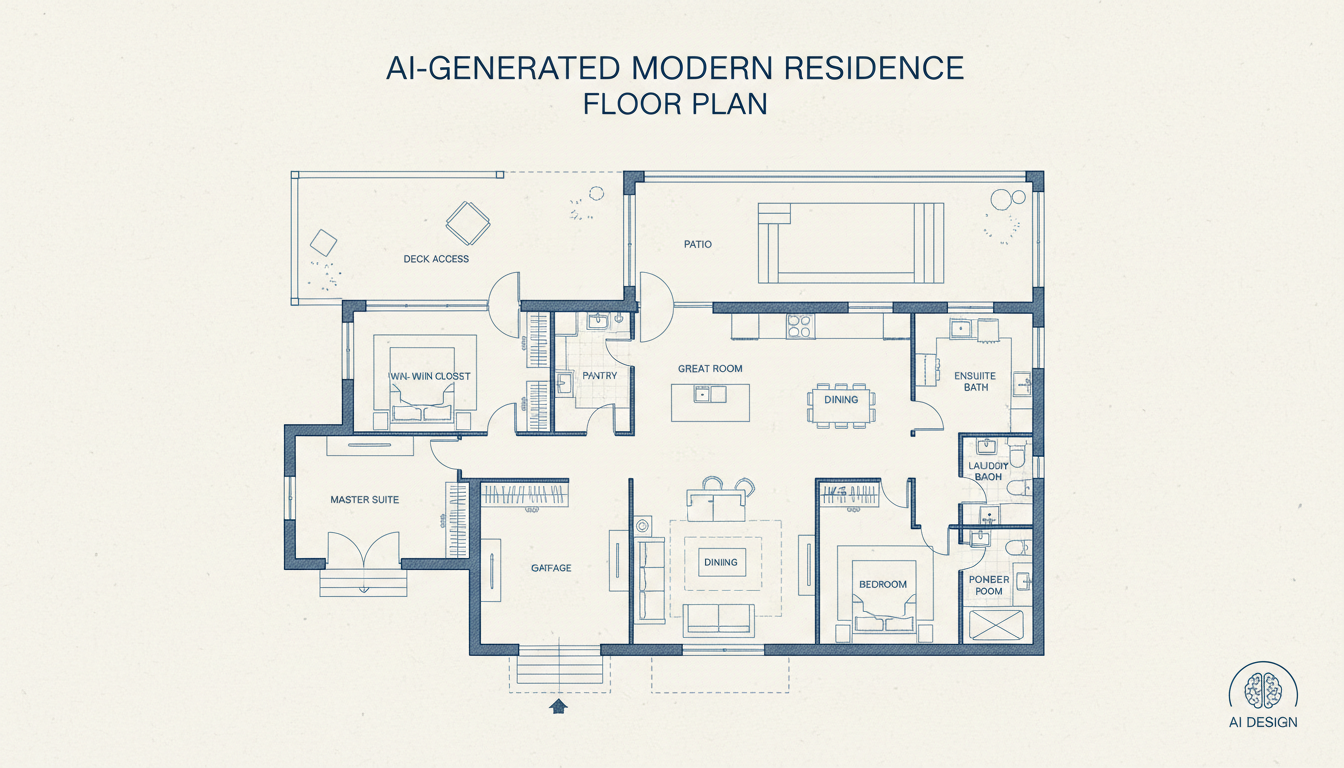


Unlock Your Design Potential with Ideal House
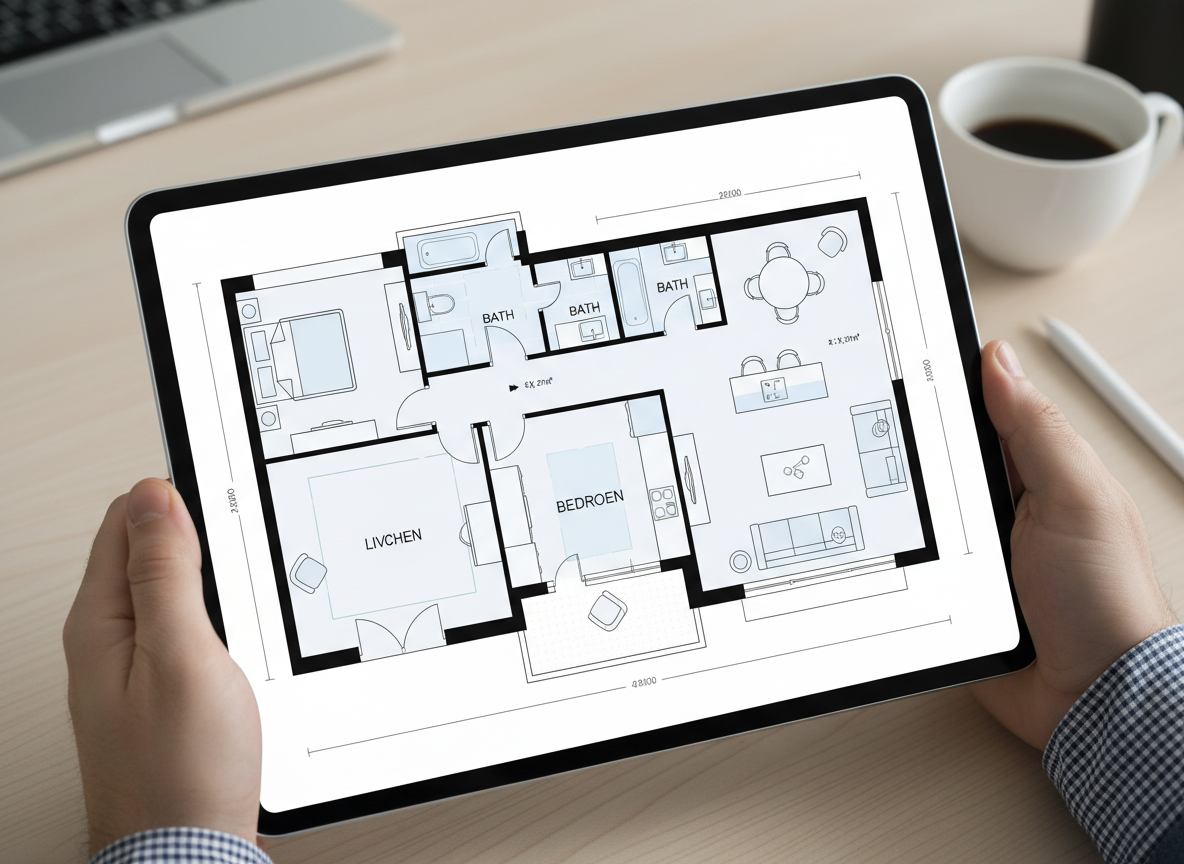
Instant 2D Floor Plans
Gone are the days of complex drafting. Our AI floor plan maker allows you to generate a clear, professional 2D floor plan almost instantly. Simply input your preferences, and watch as our AI creates a perfect home layout design. It's the fastest way to design your home floor plan.
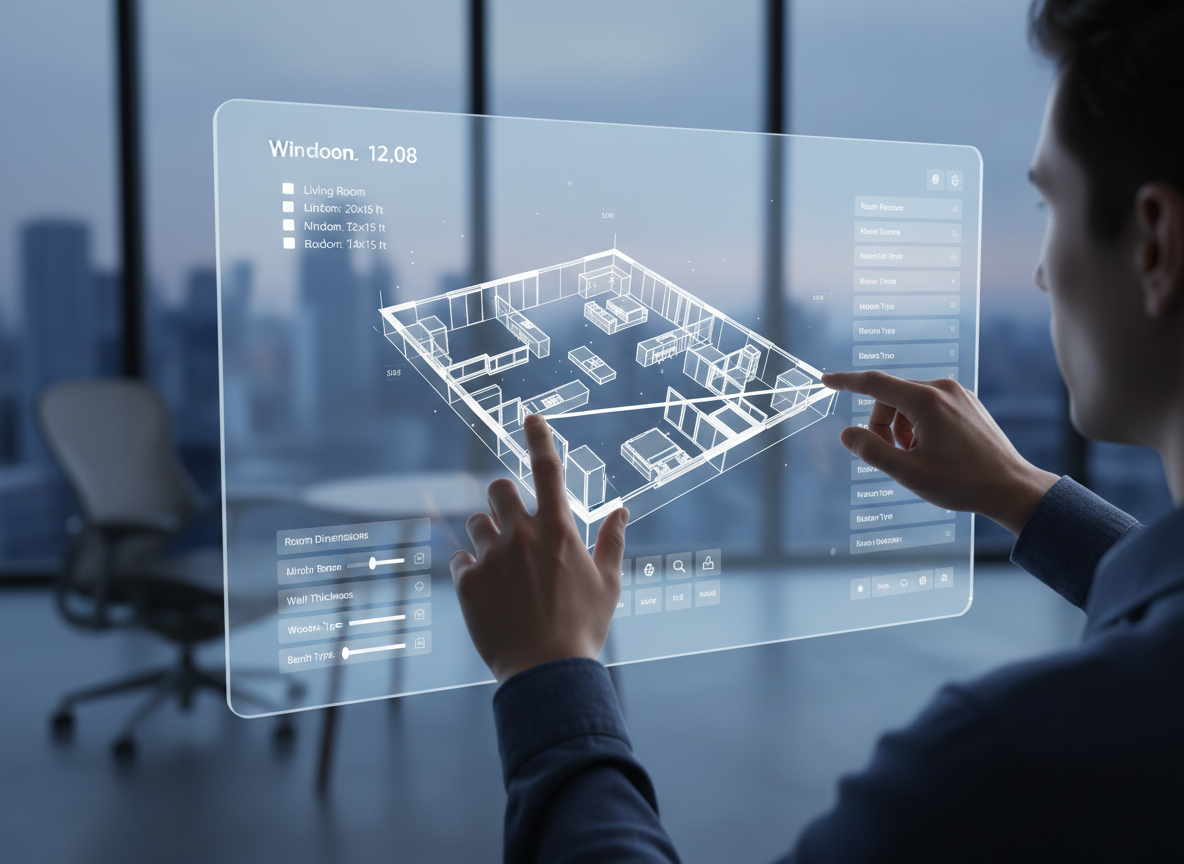
Customization at Your Fingertips
Whether you're exploring residential floor plans or an apartment layout tool, Ideal House gives you granular control. Specify bedrooms, bathrooms, kitchen style, and gross area to influence the architectural plan generator. Add extras like a walk-in closet or home office to craft custom floor plans that perfectly match your needs, making it easy to design your home floor plan with unique features.
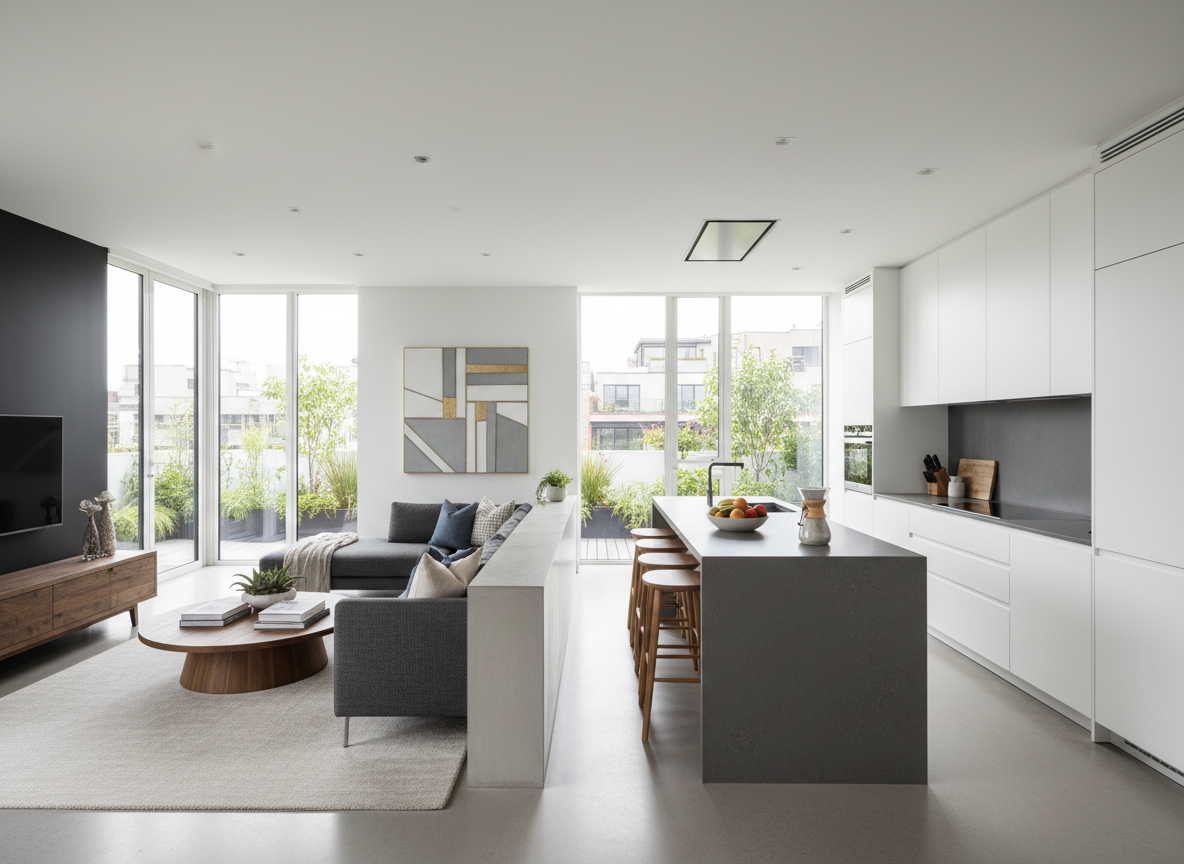
Visualize with Realism
Our AI doesn't just draw lines; it understands spatial design. The generated digital floor plan provides a realistic representation, helping you visualize the flow and functionality of your property layout. This clarity is invaluable whether you're a homeowner or a professional house plan designer looking to design your home floor plan effectively.
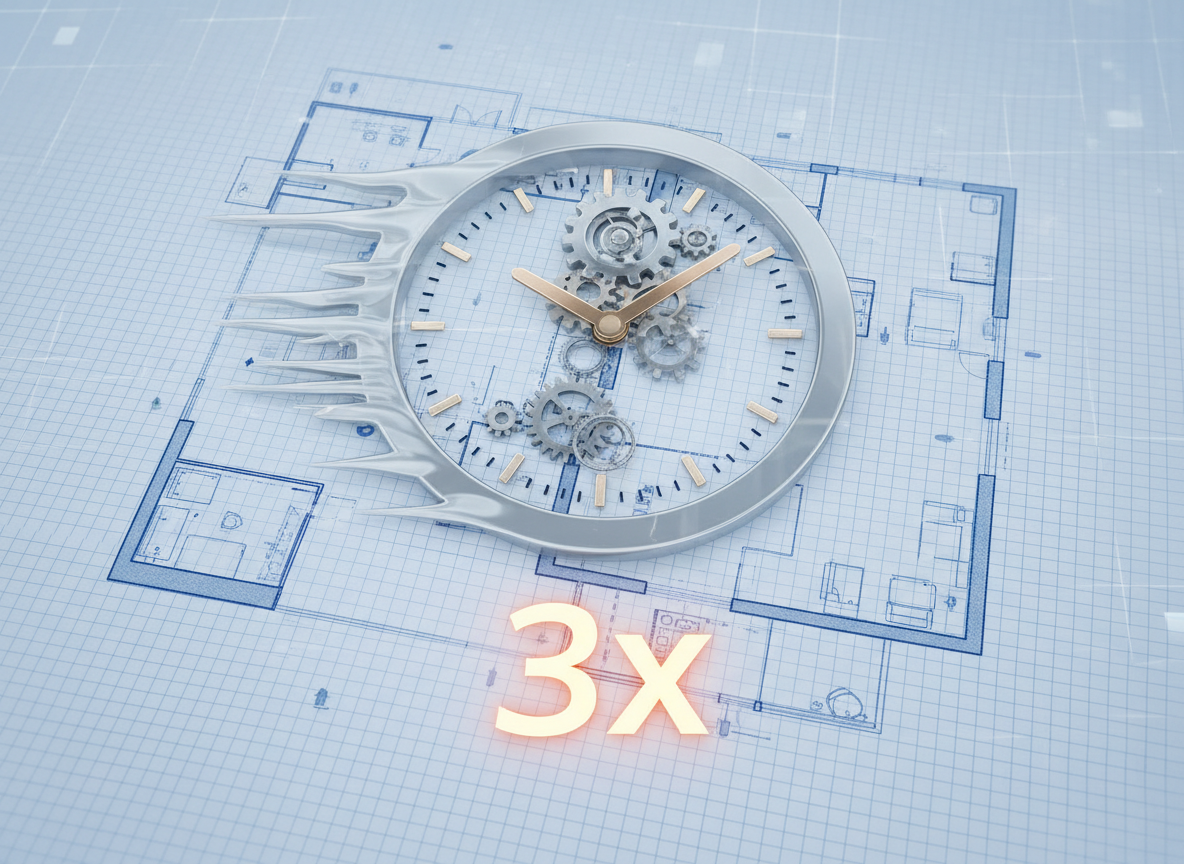
Save Time, Reduce Costs
By automating the initial design phase, the AI Floor Plan Generator drastically cuts down on time and expenses. Quickly iterate through various home layout design options without committing to costly revisions. It's an efficient online floor plan tool that empowers you to design your home floor plan smarter, not harder.

Who Benefits from Our AI Floor Plan Generator?

Homeowners & DIY Planners: Experiment with different room configurations and features to design your home floor plan for ideal living.

Interior Designers & Decorators: Rapidly create and iterate on apartment floor plan concepts, enhancing client presentations and securing faster approvals.

Real Estate & Rental Professionals: Generate consistent, clear 2D real estate floor plans for listings, attracting more buyers and simplifying property understanding.

Design Your Home Floor Plan in 5 Simple Steps
1
Set Rooms: Choose your desired number of bedrooms (0–4) and bathrooms (1–3) to begin shaping your residential floor plans.
2
Choose Kitchen Style: Decide between an open or closed kitchen layout, influencing the flow and privacy of your home layout design.
3
Pick Gross Area: Select a gross area range that best matches your target size, guiding the overall proportions of your digital floor plan.
4
Add Extras: Enhance your design with multi-select features like a walk-in closet, home office, or balcony, allowing the floor plan creator to tailor the space to your lifestyle.
5
Generate & Review: Click 'Generate' to see your new 2D floor plan. Review your design, tweak parameters, and regenerate to compare versions, empowering you to design your home floor plan perfectly.
Frequently Asked Questions About Our AI Floor Plan Generator
How does the AI turn my selections into a floor plan?
Our AI floor plan generator interprets your inputs for beds, baths, kitchen type, gross area, and extras. It then applies sophisticated algorithms based on common architectural principles and spatial design rules to draft a clear 2D floor plan, offering fresh concepts with each click.
What are the customization ranges for generating a plan?
You can set Bedrooms (0–4), Bathrooms (1–3), and choose between open or closed kitchen. Gross Area can be selected from various bands (<50㎡ to >150㎡), and you can multi-select a wide array of extras to design your home floor plan precisely.
What influence does 'Gross Area' have on the generated plan?
The selected Gross Area band guides the overall scale and footprint of your digital floor plan. It ensures rooms and corridors are proportioned appropriately, resulting in a more believable and functional home layout design. Choosing the closest band to your target size yields the most accurate results.
How do 'Extras' shape the overall home layout design?
Extras like a walk-in closet, laundry room, or home office tell the AI floor plan maker which spaces to prioritize and how to position them. For instance, a pantry will be logically placed near the kitchen, and a home office in a quieter zone, optimizing your property layout.
Can I compare multiple versions of my floor plan designs?
Absolutely! Every generated 2D floor plan is automatically saved in your 'Generation History.' You can use the 'Created with AI Floorplan' filter and switch between grid and list views to easily review and compare different versions of your home layout design, helping you finalize the best option to design your home floor plan.
Enhance Your Vision with Related Ideal House Tools
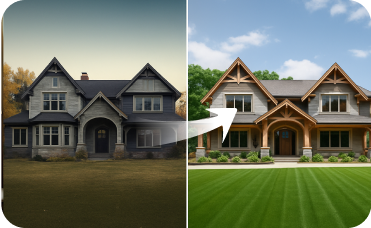
Exterior Renovator
Boost curb appeal by visualizing new siding, roofing, windows, and paint on your property's exterior.
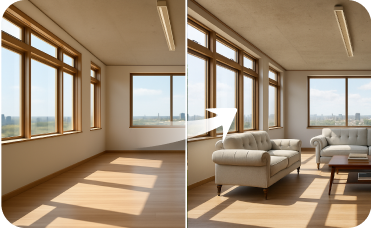
Virtual Staging
Furnish empty rooms with beautiful Coastal decor to attract buyers and renters.
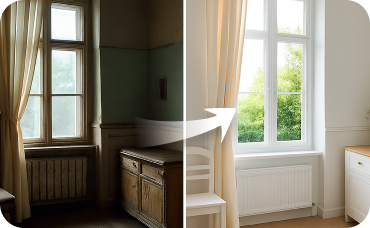
Interior Remodel
Ensure a seamless indoor-outdoor flow by remodeling your interiors with the same natural, light-filled aesthetic.
Ready to Design Your Home Floor Plan?
Map your space in minutes with a clear 2D floor plan—simple, fast, and share-ready with our AI Floor Plan Generator.
Create My 2D Floor Plan Now
💰 احصل على عمولة 10% كشريك متابع لـ Ideal House.
انضم إلينا